
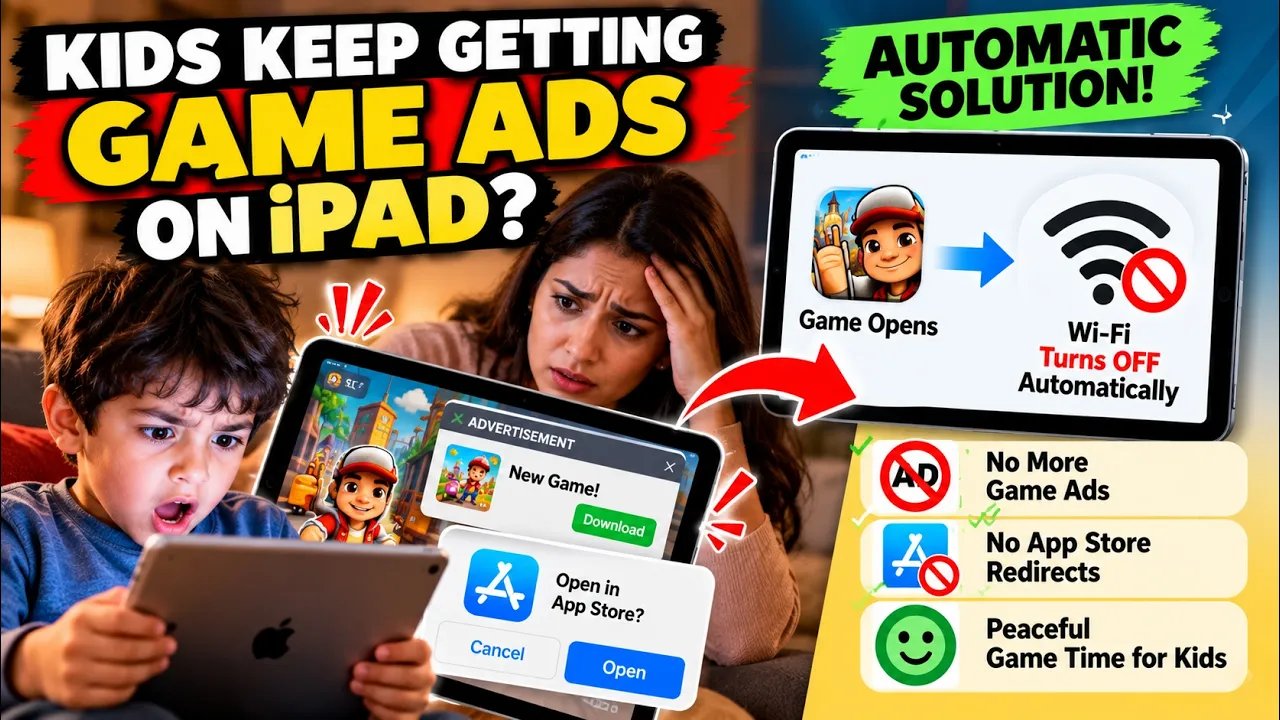
If you let your children use your iPhone or iPad, you are likely familiar with the constant hassle of accidental ad taps. Kids playing offline games often tap popup ads by mistake, launching the App Store and downloading unwanted apps.
Manually turning off Wi-Fi and mobile data through Control Center works, but having to remember to switch them off—and back on whenever they want to watch videos—is tedious.
Here is how you can use the built-in Shortcuts app on iOS to automate the entire process hands-free.
Step 1: Automatically Cut Off Internet for Offline Games
This automation turns off your device's internet connection whenever an offline game launches, preventing ads from loading.
Open the Shortcuts App and navigate to the Automation tab.
Tap the + icon in the top-right corner to create a new personal automation.
Scroll down and choose App.
Set the trigger to Is Opened, select Run Immediately (so it doesn't ask for confirmation), and tap Choose.
Select all the offline games your kids frequently play, then proceed.
Add the action Set Wi-Fi and set it to Off.
(Optional for cellular devices) Add Set Cellular Data and toggle it to Off as well.
Tap Done to save the automation.
Now, every time one of those games opens, the internet will disconnect instantly, stopping ads and unwanted App Store redirects.
Step 2: Automatically Reconnect Internet for Streaming Apps
To ensure your child can switch back to online services like YouTube Kids without asking you to fix the settings, configure a second automation to restore connectivity:
Create another new automation in the Shortcuts app.
Select App, pick YouTube Kids (or any preferred streaming app), and set it to trigger when the app Is Opened.
Set the automation to Run Immediately.
Add actions to turn Wi-Fi (and Cellular Data, if applicable) back On.
Save the automation.
The Result
Once configured, the experience is completely seamless:
Launching a game cuts the internet and keeps gameplay ad-free.
Switching over to YouTube Kids reconnects the connection right away without manual intervention.
This simple iOS automation keeps your storage free from accidental downloads, blocks intrusive game ads, and prevents unnecessary data usage.
Leave a Comment
Your email address will not be published.
0 Comments
No comments yet. Be the first to comment.